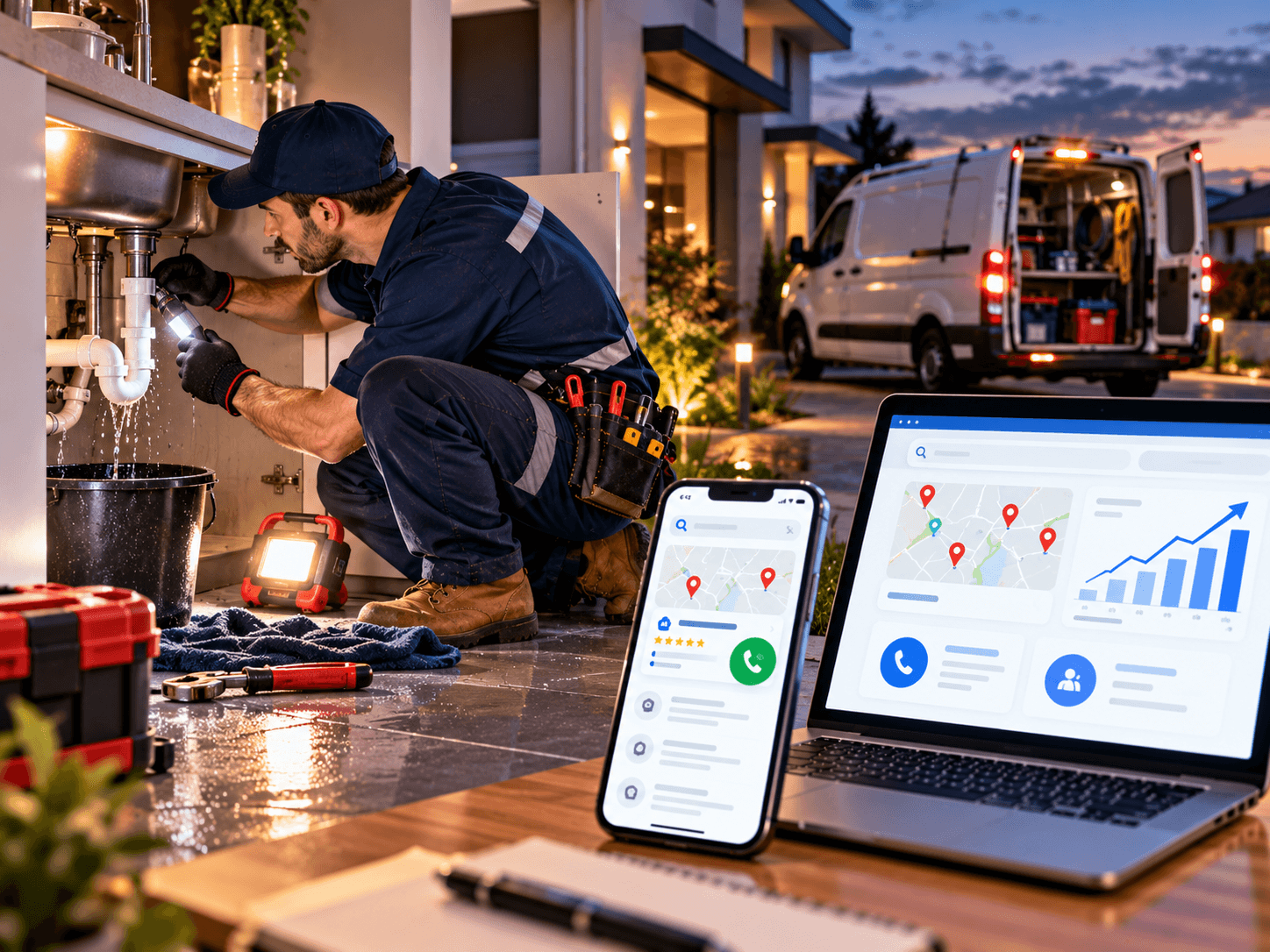
Emergency plumber leads rarely come from people browsing. They come from someone standing in an inch of water at 11pm, typing “emergency plumber near me” with one hand and holding a towel with the other. The plumber who looks credible and is easiest to call usually gets the job.
This guide explains how emergency plumbers can get more calls from Google: how to build urgent-service landing pages, set up tap-to-call buttons, run a compliant Google Business Profile and keep the mobile experience fast. It is useful whether or not you ever contact us.
Understanding the Problem
People searching for an emergency plumber are stressed, short of time and often on a phone. They don’t read. They scan for three things: can this plumber help with my problem, can I trust them, and can I call right now?
Imagine three situations. A homeowner in Leeds has a burst pipe under the sink. A landlord in Perth has a blocked drain on a Sunday. A restaurant manager in Chicago has a sewer backup before the dinner rush. Each opens a few results and calls the first credible number.
Most plumbing websites lose that moment for ordinary reasons:
- The phone number is hard to find, or not tappable
- One page tries to cover every service
- The site loads slowly on mobile data
- The Google Business Profile has the wrong hours or an unusual name
- Nobody answers, and no one calls back
None of these require a big budget to fix. They require attention to the details that matter in an emergency.
Why Emergency Plumber Leads Come From Calls, Not Clicks
For many urgent services, a form submission is too slow. Customers want a human voice. That makes calls the metric that matters, and it changes how you design everything.
Emergency work also carries higher stakes for both sides. The customer needs fast help with a problem that may be damaging their home. You need to know that a call is a genuine job in your service area, not a wrong number or a price shopper three suburbs away.
No agency can guarantee rankings, calls or revenue, and none should promise them. What good website and profile work can do is remove the avoidable obstacles that send urgent customers to your competitor.
Main Factors That Drive Emergency Plumber Leads
1. Emergency service landing pages
A dedicated page for each urgent problem matches what people actually search for. Examples include burst pipes, blocked drains, no hot water, leaking water heaters, overflowing toilets and sewer backups.
Each page should open with the problem and a visible call button, then cover:
- What you can do, and what situations you treat as emergencies
- Hours and area covered, stated honestly
- What the customer should do right now (for example, how to find the main shut-off valve)
- What happens after they call: who answers, what you will ask, how arrival times are handled
- Licence, insurance and registration details
- A short, genuine review or two, if you have them
Keep safety guidance short and accurate, and have a qualified plumber review it. Where there is any risk to life, such as a suspected gas leak or electrical danger near water, tell visitors to contact the relevant emergency service first. Rules and numbers differ by country.
Don’t paste the same text onto dozens of pages with only the suburb name swapped. Write something useful for each one.
2. Tap-to-call buttons that actually work
A tap-to-call button uses a phone link, so one tap starts the call. It sounds simple, yet many sites show the number as an image or plain text that can’t be tapped.
Good practice includes:
- A large call button in the header and a sticky button as visitors scroll
- The same number everywhere, matching your Google Business Profile
- A button placed where a thumb can reach it
- Clear wording such as “Call now” rather than “Contact us”
- Testing on real phones, not just a desktop browser
Offer a short form for people who can’t call, but don’t make it the main route. Our website design and development services include conversion-focused layouts like this.
3. A compliant, complete Google Business Profile
For urgent local searches, your profile often matters as much as your website. Google’s guidance for service businesses explains how service-area businesses such as plumbers are represented.
The key points:
- Use your real business name. It should match your van, invoices and website. Stuffing words like “Emergency Plumber” or a town name into the name can put the profile at risk of suspension.
- Choose “Plumber” as the primary category, with extra categories only for services you genuinely provide.
- Treat your address correctly. If you don’t serve customers at your premises, set it up as a service-area business and hide the address.
- Set realistic service areas, not your whole country.
- Be truthful about hours. Show 24-hour opening only if someone really answers and dispatches around the clock. A voicemail box is not the same.
- Add services, photos and posts, and ask every customer for a review.
Keep the details identical to those on your website. Inconsistency confuses both customers and search engines.
4. A fast mobile experience
People use urgent services on phones, often on poor signals. A slow page loses them. Google’s published “good” thresholds for Core Web Vitals are:
- Largest Contentful Paint (loading): 2.5 seconds or less
- Interaction to Next Paint (responsiveness): 200 milliseconds or less
- Cumulative Layout Shift (visual stability): 0.1 or less
These are measured across real visits. Google treats them as one part of page experience rather than a ranking switch, but the practical benefit is obvious: a page that jumps around or takes seconds to load invites a back-button tap.
Common fixes include compressing images, dropping heavy sliders and page-builder bloat, using decent hosting and avoiding pop-ups that cover the call button.
5. Trust signals that matter in a crisis
Customers are letting a stranger into their home. Show:
- Your licence or registration number where your region expects it (in the UK, for example, gas work requires Gas Safe registration, so check which rules apply to you)
- Insurance information
- Real photos of your team and vans
- Genuine reviews, collected from all customers
- Clear statements about call-out fees and what affects pricing, without invented prices
Be honest about response times. A realistic promise builds more trust than a bold one that fails.
6. Local SEO and service area pages
Make it clear where you work. Pages for your main areas, with genuinely useful local details, help customers and search engines. Add LocalBusiness structured data so your name, phone number and hours are machine-readable. Plumber is a recognised business type in that documentation.
Local SEO takes months, not days. Our technical and on-page SEO services cover this groundwork.
7. Paid options for urgent searches
Paid search can supplement organic work when you need calls sooner. Call-focused ads and, where available in your country, Google’s local service advertising options can place you in front of urgent searchers. Availability, eligibility and costs vary widely by market.
Send paid visitors to a focused landing page, not your homepage, and track results rather than assuming. No one can promise a return in advance.
8. Call handling and tracking
The best website in the world loses the job if nobody answers. Decide who takes calls, what happens out of hours, and how missed calls are followed up. An answering service or a missed-call text can recover leads you’d otherwise lose.
Set up analytics to track tap-to-call clicks, form submissions and call sources. If you record calls, check the consent and notification rules where you operate.
Not sure how your current site performs at 11pm on a phone? Ask Rajhans Digital for a website review and get a plain-English list of what to fix first.
Step-by-Step: Turn Searches Into Emergency Plumber Leads
Good projects follow a sequence. Skipping early steps wastes budget.
- List the emergencies you want. Burst pipes, blocked drains, water heaters, commercial callouts. Decide which are worth building pages for.
- Audit your current setup. Check your site, Google Business Profile and call handling on a real phone.
- Fix the profile first. Correct the name, category, address settings, hours and services. It is often the quickest win.
- Build or rewrite emergency landing pages. One per core problem, each with a visible call button.
- Add tap-to-call everywhere it matters. Header, sticky bar and every service page.
- Speed up the mobile site. Compress images, remove clutter and test Core Web Vitals.
- Add proof. Licences, insurance, real photos and genuine reviews.
- Set up tracking. Measure calls, forms and sources so you know what works.
- Review monthly. Check missed calls, new reviews and which pages bring work.
Timelines depend mostly on how quickly you provide photos, licence details and approvals. A focused refresh can move quickly, while a full rebuild with many service and area pages takes longer.
Want help turning this into a build plan? Talk to our WordPress team. The conversation is low-pressure, and you will leave with a clearer plan either way.
7 Costly Mistakes That Cost You Emergency Plumber Leads
- Hiding the phone number. If a visitor has to hunt for it, many won’t. Make it tappable and visible on every page.
- Stuffing keywords into the Google Business Profile name. It may help for a while, but it breaks Google’s rules and risks suspension.
- Claiming 24/7 service you can’t deliver. Customers who call and reach voicemail leave bad reviews and don’t return.
- Using one page for every service. It limits search visibility and gives urgent customers vague answers.
- Ignoring mobile speed. Large images and heavy page builders slow phones down. Test on a real device.
- Not tracking calls. Without call and form data, you can’t tell whether your site or ads work.
- Letting calls go unanswered. A missed emergency call is a lost job and often a lost review.
How Plumbers Can Improve: A Self-Audit
Open your site on your phone and answer honestly:
- Can I call you with one tap from any page?
- Does each core emergency have its own page?
- Are licence and insurance details visible within a few seconds?
- Does my Google Business Profile use my real business name?
- Are the hours on my profile and website truthful and identical?
- Is my address hidden if I don’t serve customers at it?
- Does the site load quickly on mobile data?
- Are genuine, recent reviews visible?
- Do I track calls and form submissions?
- Who answers when I’m busy, and how fast do missed calls get a reply?
Three or more “no” answers suggest a review is worthwhile.
When Professional Help Makes Sense
Some plumbers manage a simple site themselves. Professional help makes sense when:
- You’re replacing a site that already brings calls and don’t want to lose rankings
- The site is slow, outdated or hacked
- You want emergency landing pages, structured data and tracking set up properly
- You run paid campaigns and need landing pages that convert
- You lack time to keep content, reviews and updates current
If your needs are modest, a lighter approach may suit you better, and a good partner will say so.
How to Choose the Right Partner
Many agencies sound alike. These questions help separate them:
- Do they understand local trades? Ask how they would structure an emergency page and why.
- What will you own? Domain, hosting, files and admin access should be yours.
- How do they treat SEO and Google Business Profile rules? Be wary of keyword-stuffed names and guaranteed rankings.
- How do they price? Ask for a breakdown covering design, development, content, hosting, plugins and support. Cost depends on page count, custom features, integrations and ongoing care.
- Can you see live examples? Check speed and mobile behaviour yourself.
- Who does the work? In-house, freelance or subcontracted, and who is your contact?
Rajhans Digital works remotely with international clients, so we handle communication, reviews and handovers online. If you prefer regular in-person meetings, a local agency may suit you better. If you’re comfortable working remotely and want clear processes, see our website design and development services.
Frequently Asked Questions
How can an emergency plumber get more calls from Google?
Start with a complete, rule-compliant Google Business Profile, a fast mobile site with tap-to-call buttons, and dedicated pages for each urgent problem. Add genuine reviews, clear trust signals and call tracking, then improve based on what the data shows.
What is a tap-to-call button?
It is a button on a mobile website that starts a phone call with one tap. It works because the number is coded as a phone link rather than plain text or an image.
Can I put “Emergency Plumber” in my Google Business Profile name?
Only if it is genuinely part of your real-world business name used on your signage and paperwork. Google’s guidelines say the name should reflect your real name, and adding extra keywords can risk suspension.
Should I say “24/7” on my website?
Only if someone truly answers and dispatches around the clock. If you offer after-hours help with limits, describe those limits plainly. Honesty protects your reviews.
How long does it take to see results?
It varies with competition, your area and your starting point. Profile and call-button fixes can show effects quickly, while SEO usually takes months. Be cautious of anyone promising fast or guaranteed results.
Do I need paid ads as well as SEO?
Not always. Ads can bring calls sooner, but they cost money every time and work best with focused landing pages and tracking. Many plumbers use a mix.
Conclusion
More emergency plumber leads come from removing friction at the moment of need: a visible, tappable phone number, a page that matches the problem, a truthful and complete Google Business Profile, a fast mobile site and someone who answers the call.
Start with the self-audit above, fix the highest-impact gaps first and build from there.
Next Step
If you’d like a second opinion on your current website, profile or a planned rebuild, request a review from Rajhans Digital. We’ll tell you what we’d keep, change or leave alone.