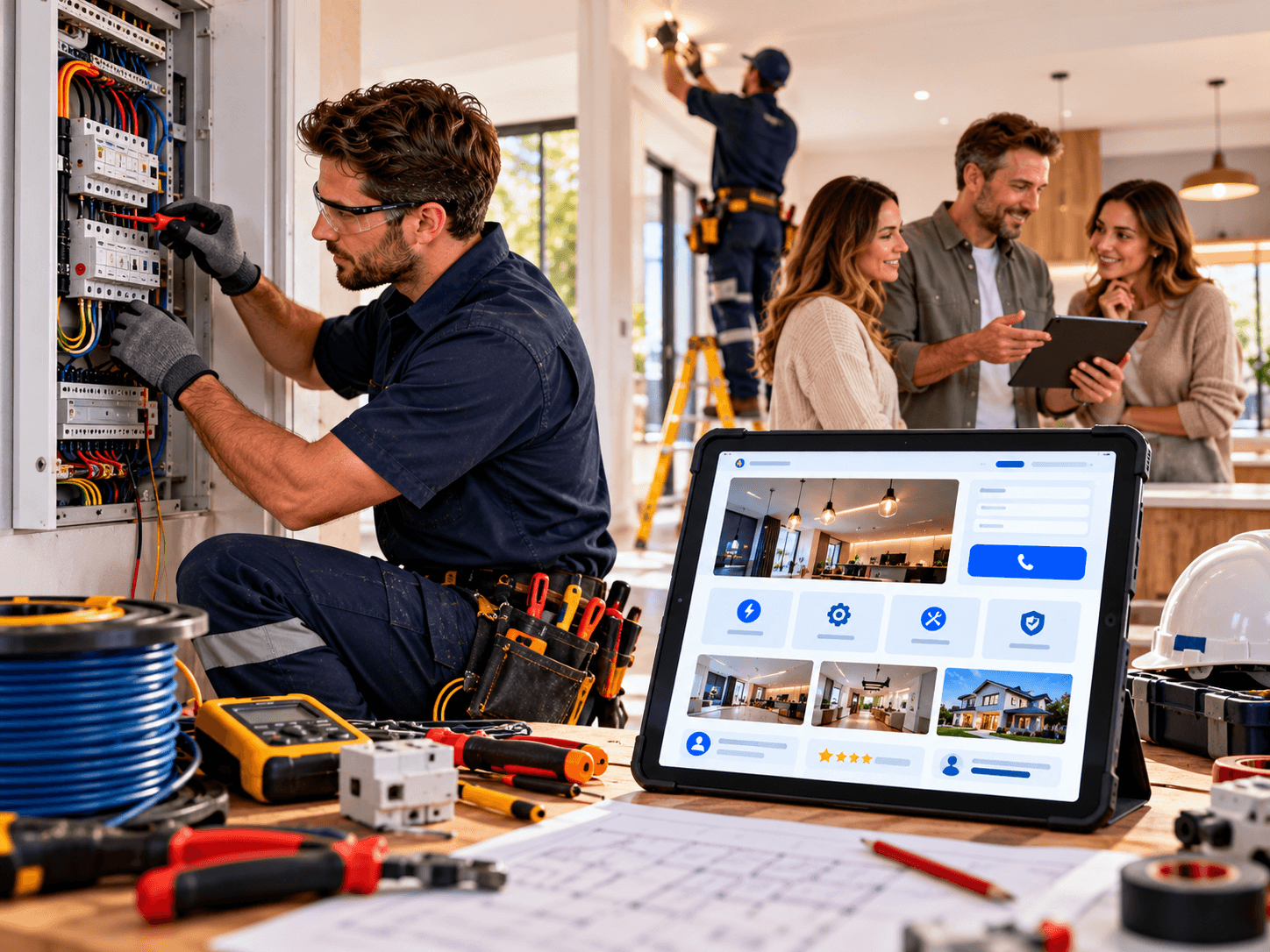
The right website features for electrical contractors decide who gets the phone call when a fuse board trips at 7pm or a homeowner plans a rewire. A site can look tidy and still lose jobs because it hides the phone number, buries the licence details or takes eight seconds to load on a phone.
This guide covers the website features for electrical contractors that actually help you win work: what to build, in what order, what it depends on, the mistakes that waste budget, and how to choose a partner. It is useful whether or not you ever contact us.
Understanding the Problem
Electrical work is a trust purchase. Customers let you into their home or premises, and they are paying for safety as much as for wiring.
So they check you out first. They compare a few contractors, skim the sites, look at reviews and ring the one that feels credible and easy to reach.
Most contractor websites fail at that moment for ordinary reasons:
- The phone number is a picture, or sits in the footer
- Services are crammed into one vague “What we do” page
- There is no licence, insurance or accreditation information
- The site is slow or awkward on a phone
- Nobody can tell which suburbs or towns you cover
None of that is about fancy design. These are practical gaps, and most can be fixed.
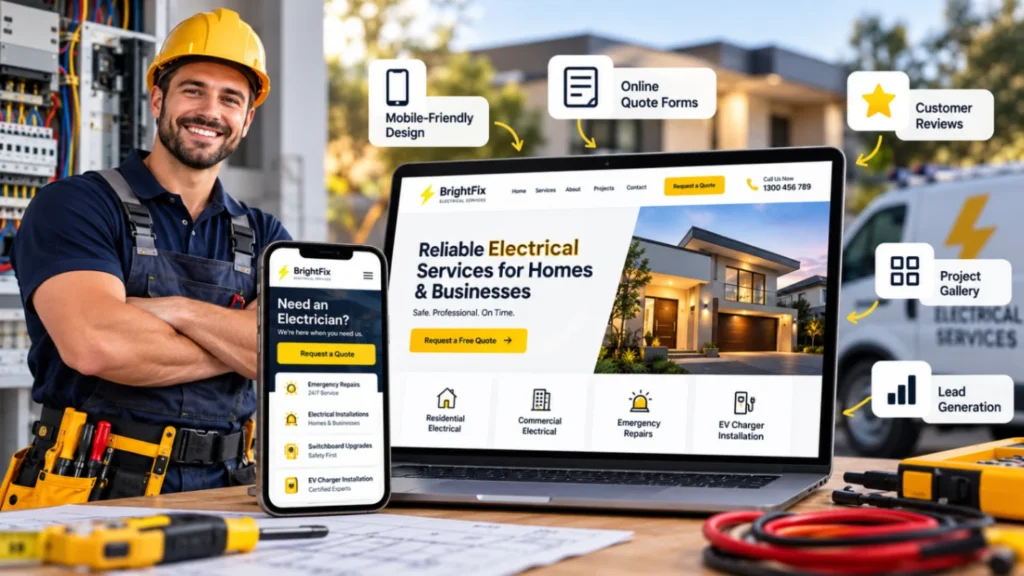
Why Website Features for Electrical Contractors Decide Who Gets the Call
Think about three situations. A homeowner in Brisbane has a tripping circuit breaker. A landlord in Manchester needs an electrical safety report before a new tenancy. A facilities manager in Toronto wants a quote to add EV charging to a car park.
Each starts with a search, usually on a phone, and each shortlists whoever answers their questions fastest. Your website features either remove doubt or add it.
There is also a competitive reason. Local results are crowded, and Google’s results for an electrician in your area blend your website, your Google Business Profile and your reviews. A weak website drags down the whole package.
No agency can guarantee rankings, leads or sales. What good website features for electrical contractors can do is remove avoidable reasons for a customer to move on.
Essential Website Features for Electrical Contractors
The features below are listed roughly in order of impact. If budget is tight, start at the top.
1. Click-to-call and a quick quote path
Most enquiries come from phones, so your number must be tappable. Put a click-to-call button in the header and keep it visible as people scroll.
Pair it with a short form for visitors who prefer to write. Ask only what you need: name, phone, suburb or postcode, and a few words about the job. Every extra field costs you enquiries.
2. Separate pages for each service
Someone searching “EV charger installation” or “switchboard upgrade” wants a page about exactly that. One page covering everything rarely satisfies either the visitor or search engines.
Build a dedicated page for each core service, such as:
- Rewiring and fault finding
- Switchboard or consumer unit upgrades
- Lighting and power points
- EV charger installation
- Safety inspections and testing
- Emergency callouts
- Commercial and industrial work
Each page should explain the job in plain language, what the customer can expect, how you price it (as a factor list, not an invented price) and what the next step is.
3. Licence, insurance and safety proof, up front
This is the feature that matters most for an electrical business, because customers are trusting you with their safety.
Show your licence number or registration where your region expects it, your insurance cover and any accreditations or scheme memberships. Rules differ by country, state and province, so check what applies to you. In the UK, for example, many contractors display competent person scheme registration, while in Australia and Canada licence details are tied to state or provincial regulation.
Place this near the top of key pages and in the footer, not hidden on an About page.
4. Real reviews and project proof
Genuine reviews do more than most slogans. Show Google reviews on your site, or link to them, and add short project write-ups with photos: the problem, what you did, and the result.
Ask every customer for a review, not only those you expect to be happy. Never publish invented testimonials. Fake or selectively gathered reviews damage trust and can breach platform rules.
5. Service area pages and local SEO
Tell people where you work. A page for each main area you serve, with genuinely useful content, helps both customers and search engines.
Make sure your business name, address and phone number match your Google Business Profile exactly. Add LocalBusiness structured data so search engines can read your details, opening hours and service area. Schema.org also offers a more specific Electrician type, which your developer can use where appropriate.
Local SEO is a long game. A solid foundation helps, but reviews, content and consistency build results over months, not days. Our technical and on-page SEO services cover this groundwork.
6. Mobile speed and Core Web Vitals
A slow site loses people at exactly the moment they need an electrician. Google’s published “good” thresholds for Core Web Vitals are:
- Largest Contentful Paint (loading): 2.5 seconds or less
- Interaction to Next Paint (responsiveness): 200 milliseconds or less
- Cumulative Layout Shift (visual stability): 0.1 or less
These are measured across real visits. Google treats them as one part of page experience, not a magic ranking lever. The bigger benefit is practical: quick pages are easier to use on mobile data in a basement or on a job site.
Common culprits are oversized photos, heavy themes, too many plugins and cheap hosting. All can be fixed during the build.
7. Clear handling of emergencies and after-hours work
If you offer emergency callouts, say so clearly, and say honestly what that means: hours covered, areas covered, and what happens after you call.
Do not promise response times you cannot meet. A realistic statement builds more trust than a bold one that fails.
8. Project galleries and before-and-after photos
Tidy switchboards, neat cable runs and finished lighting layouts are visual proof of quality. Use your own photos, with permission where customers or premises are identifiable, and compress them so they don’t slow the site.
Add short captions that name the job type and area. That helps customers and gives search engines useful context.
9. Tracking so you know what works
You need to know which pages and channels bring calls and forms. Set up analytics, track form submissions and click-to-call taps as conversions, and consider call tracking if you run paid campaigns.
Without tracking, you are guessing whether your advertising and your website are paying for themselves.
10. Accessibility, security and privacy basics
Follow the W3C’s WCAG guidelines as a benchmark: good colour contrast, keyboard-friendly navigation, descriptive image alt text and labelled form fields. Accessible sites tend to be clearer for everyone, including customers searching in a hurry.
Keep WordPress, themes and plugins updated, use two-factor login, and keep tested off-site backups. If you collect enquiries, include a clear privacy notice. Privacy and consumer rules differ by country, so confirm local requirements with a qualified adviser.
Not sure which of these features your site is missing? Ask Rajhans Digital for a website review and get a plain-English list of what is worth fixing first.
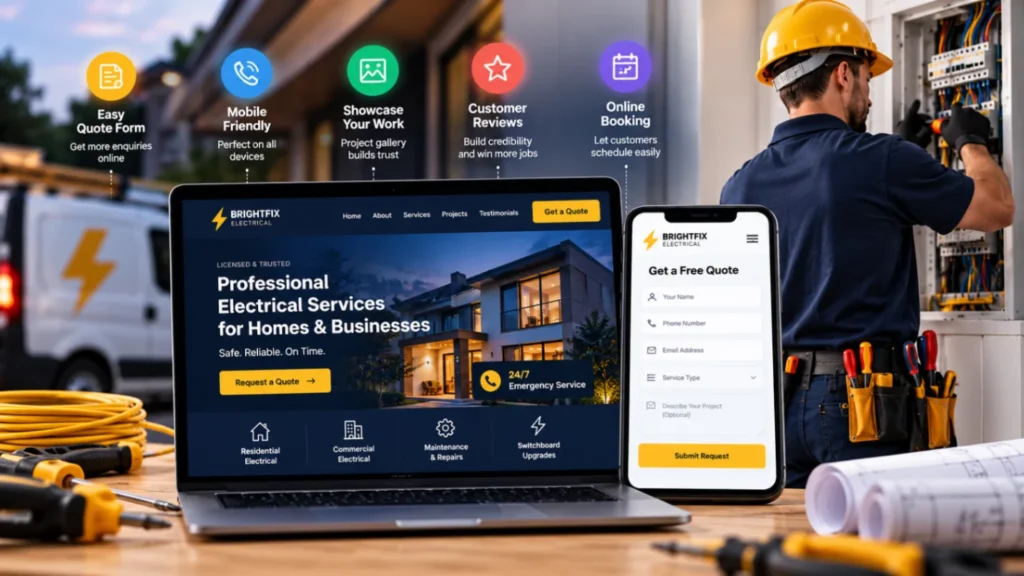
Quick priority guide
| Feature | Why it helps | Typical priority |
|---|---|---|
| Click-to-call and short quote form | Makes contacting you effortless on mobile | Highest |
| Licence, insurance and accreditation proof | Reduces safety and trust doubts | Highest |
| Individual service pages | Matches how people search | High |
| Reviews and project proof | Shows real results | High |
| Mobile speed | Stops visitors leaving early | High |
| Service area pages and local SEO | Helps local customers find you | Medium to high |
| Tracking | Shows what brings jobs | Medium to high |
| Galleries, accessibility, security | Supports trust and long-term health | Medium |
How to Add the Right Website Features for Electrical Contractors Step by Step
Good projects follow a sequence. Skipping the early steps is how budgets get wasted.
- List your most profitable jobs. Decide whether you want more emergency work, rewires, commercial contracts or EV chargers. Build around those.
- Audit your current site. Note which pages already bring calls or enquiries, and record current rankings so you don’t lose them in a redesign.
- Plan the sitemap. One page per core service, one per main service area, plus About, Contact, reviews and projects.
- Collect proof. Gather licence details, insurance information, accreditations, photos and genuine reviews before design starts.
- Design mobile-first. Check that the call button, form and licence details are visible without hunting.
- Build lean. Use a lightweight theme or custom build, a small set of vetted plugins and quality hosting.
- Test properly. Check forms, click-to-call, speed, accessibility basics and every redirect from old pages.
- Launch and measure. Submit your sitemap in Google Search Console and review calls, forms and speed after the first few weeks.
Timelines depend mostly on how quickly you supply content and feedback. A simple lead-generation site can move quickly, while a larger site with many service and area pages takes longer.
Want help turning this list into a build plan? Talk to our WordPress team. The conversation is low-pressure, and you will leave with a clearer plan either way.
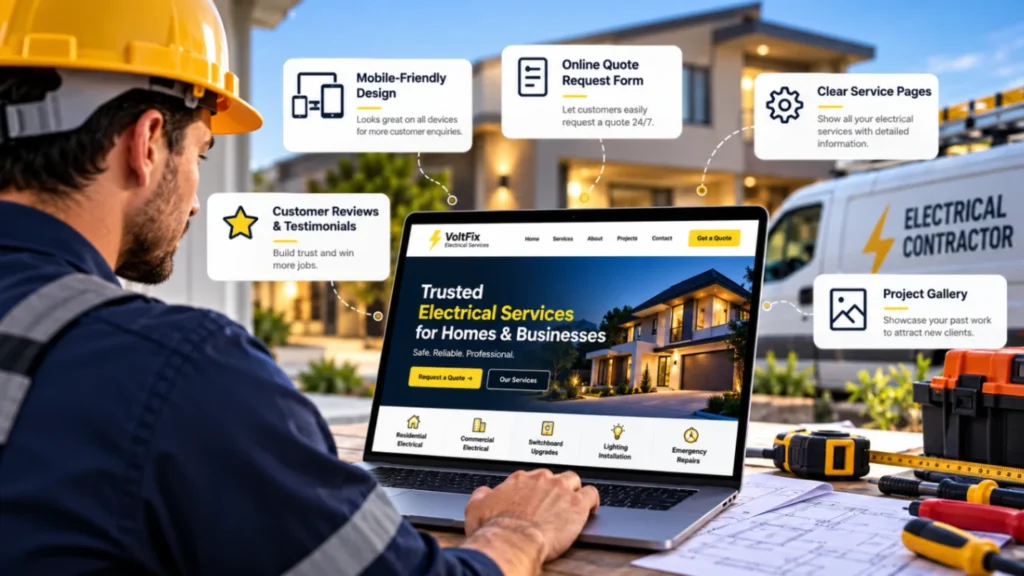
7 Costly Errors in Website Features for Electrical Contractors
- Hiding the phone number. If a visitor has to search for it, many won’t. Make it tappable and visible on every page.
- Having no licence or insurance information. It is the most obvious trust signal in your trade. Leaving it out invites doubt.
- Using one page for every service. It limits search visibility and gives customers vague answers. Create dedicated service pages.
- Using stock photos of electricians who aren’t yours. Customers notice. Use your own team, vans and work.
- Ignoring mobile speed. Big images and heavy page builders slow phones down. Test on a real device, not just a desktop.
- Skipping tracking. Without call and form tracking, you can’t tell whether your website or advertising is working.
- Letting the site go stale. Outdated plugins are a security risk, and old pricing or service details erode trust. Schedule maintenance.
How Businesses Can Improve: A Self-Audit
Open your site on your phone and answer honestly:
- Can I call you with one tap from any page?
- Can a visitor see your licence or registration details within a few seconds?
- Does each core service have its own page with specific detail?
- Is it clear which areas you serve?
- Are genuine reviews and real project photos visible?
- Does the site pass Core Web Vitals in PageSpeed Insights?
- Are your contact details identical to your Google Business Profile?
- Do you track calls and form submissions?
- Are WordPress, themes and plugins up to date, with a tested backup?
- Do you own your domain, hosting and admin login?
Three or more “no” answers suggest a review is worthwhile.
When Professional Help Makes Sense
Plenty of sole traders manage a simple site themselves. Professional help makes sense when:
- You are replacing a site that already brings in calls and could lose rankings in the move
- You want service and area pages, tracking and local SEO set up properly
- The site is slow, outdated or hacked
- You are running paid campaigns and need landing pages that convert
- You lack time to keep content and security up to date
If your needs are simple, a lighter approach may suit you better, and a good partner will say so.

How to Choose the Right Partner
Many agencies sound alike. These questions separate them:
- Do they understand trades? Ask how they would structure a contractor site and why.
- What do you own? Domain, hosting, files and admin access should be yours.
- How do they treat SEO and speed? Be wary of anyone promising rankings.
- How do they price? Ask for a breakdown covering design, development, content, hosting, plugins and support. Cost depends on page count, custom features, integrations, content creation and maintenance.
- Can you check their work? Look at live sites they have built.
- Who does the work? In-house, freelance or subcontracted, and who is your contact?
Rajhans Digital works remotely with international clients, so we handle communication, reviews and handovers online. If you prefer regular in-person meetings, a local agency may suit you better. If you are comfortable working remotely and want clear processes, see our website design and development services.
Frequently Asked Questions
What are the most important website features for electrical contractors?
Start with click-to-call, a short quote form, clear licence and insurance information, individual service pages, genuine reviews and fast mobile performance. Local SEO and tracking then help you get found and measure results.
How much does a website for an electrical contractor cost?
It varies. Cost depends on the number of pages, custom design versus a modified theme, integrations such as booking or call tracking, who writes the content and photos, SEO work and ongoing maintenance. Ask for an itemised quote.
Do electricians need a website if they have a Google Business Profile?
A profile helps, but a website lets you explain services, show proof and capture enquiries on your terms. It also supports your local search presence.
Should I show prices on my electrician website?
It depends on your market. Many contractors explain what affects price, such as access, materials and testing, and invite a quote, because jobs vary. If you publish fixed prices, keep them current and clear about inclusions.
How long does a new contractor website take?
Simple sites can take a few weeks, while larger builds take longer. The biggest variable is usually how quickly you provide photos, licence details and reviews.
Does my site need a privacy policy?
If you collect personal information through forms, calls or analytics, a clear privacy notice is good practice and may be legally required, depending on where you operate. Confirm local requirements with a qualified adviser.
Conclusion
The best website features for electrical contractors are rarely flashy. They are a visible phone number, proof you are licensed and insured, clear service and area pages, genuine reviews, a fast mobile experience and tracking that shows what works.
Use the self-audit above to find the gaps, fix the highest-impact ones first and build from there.
Next Step
If you would like a second opinion on your current site or a planned rebuild, request a review from Rajhans Digital. We will tell you what we would keep, change or leave alone.